Dictation Software for
Windows & Mac.
Yaptxt is the fastest speech-to-text software for Windows and Mac. Press your hotkey, speak — your text appears instantly in any app. Emails, documents, browser, chat. No cloud upload. Start for free.
🔒 Installation Notice
Windows and macOS may display a security warning because Yaptxt is not yet digitally code signed. This is normal for newly released software and does not indicate malware. We are already working on obtaining our official code signing certificate, and these warnings will disappear in a future update.
3 steps to the fastest
voice input of your life
Download & install Yaptxt
Download the dictation software and install it on your Windows or Mac computer. Takes under 2 minutes.
Set your hotkey
Choose your key combination for voice input — customizable to fit your personal workflow.
Dictate anywhere
Hold your hotkey, speak, release — your text appears instantly wherever your cursor is.
How simple it is
For power users who write a lot every day.
Whether for work, study, support, content creation, or daily communication — Yaptxt is the dictation software for anyone who wants to be more productive with voice input.
Writers & Content Creators
Capture ideas, chapters, and drafts by voice — up to 3x faster than typing, without breaking your flow.
Students
Dictate notes, write assignments, and capture thoughts with voice-to-text faster than ever.
Support Agents
Reply to customers faster with dictation software — no repetitive typing, more replies per hour.
Managers & CEOs
Dictate emails, reports, and notes by voice — without losing focus, on Windows and Mac.
Lawyers & Doctors
Create reports, medical notes, and documentation with speech-to-text quickly and precisely.
Developers
Write comments, documentation, tickets, and Slack messages with voice commands.
Who is it for?
Speech-to-text software you can
actually rely on.
Works in every app instantly
Yaptxt runs in the background and inserts your spoken text wherever your cursor is — in any program, any browser, any text field.
High-accuracy voice recognition
AI-powered speech recognition understands natural language, technical terms, names, and fast dictation — even with an accent.
Setup in under 2 minutes
Install, choose your hotkey, and start speaking. No account required, no complicated setup, no learning curve.
Processed locally — Privacy-first
Your voice input is processed locally on your device. No cloud upload, no tracking, no data sharing.
25 languages supported
Dictate in English, German, French, and 22 more languages — ideal for international power users.
Hotkey activation
Press your hotkey, speak, release — your text appears right where you need it. Fits seamlessly into any workflow.
Transparent pricing.
Choose the plan that's right for you.
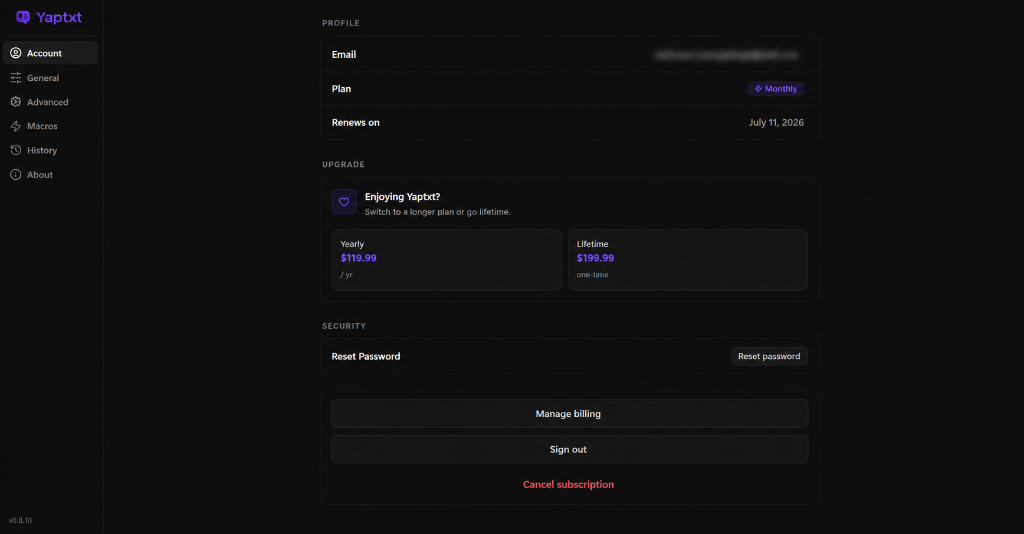
Start for free, upgrade whenever you're ready, or secure lifetime access during our launch.
Cancel anytime.
One-time payment
Questions before you start?
Here are the most common things people want to know before using Yaptxt.
Yaptxt works in virtually every application where you can type, including Chrome, Firefox, Edge, Microsoft Word, Outlook, Gmail, Discord, Slack, Notion, Visual Studio Code and hundreds of other desktop applications.